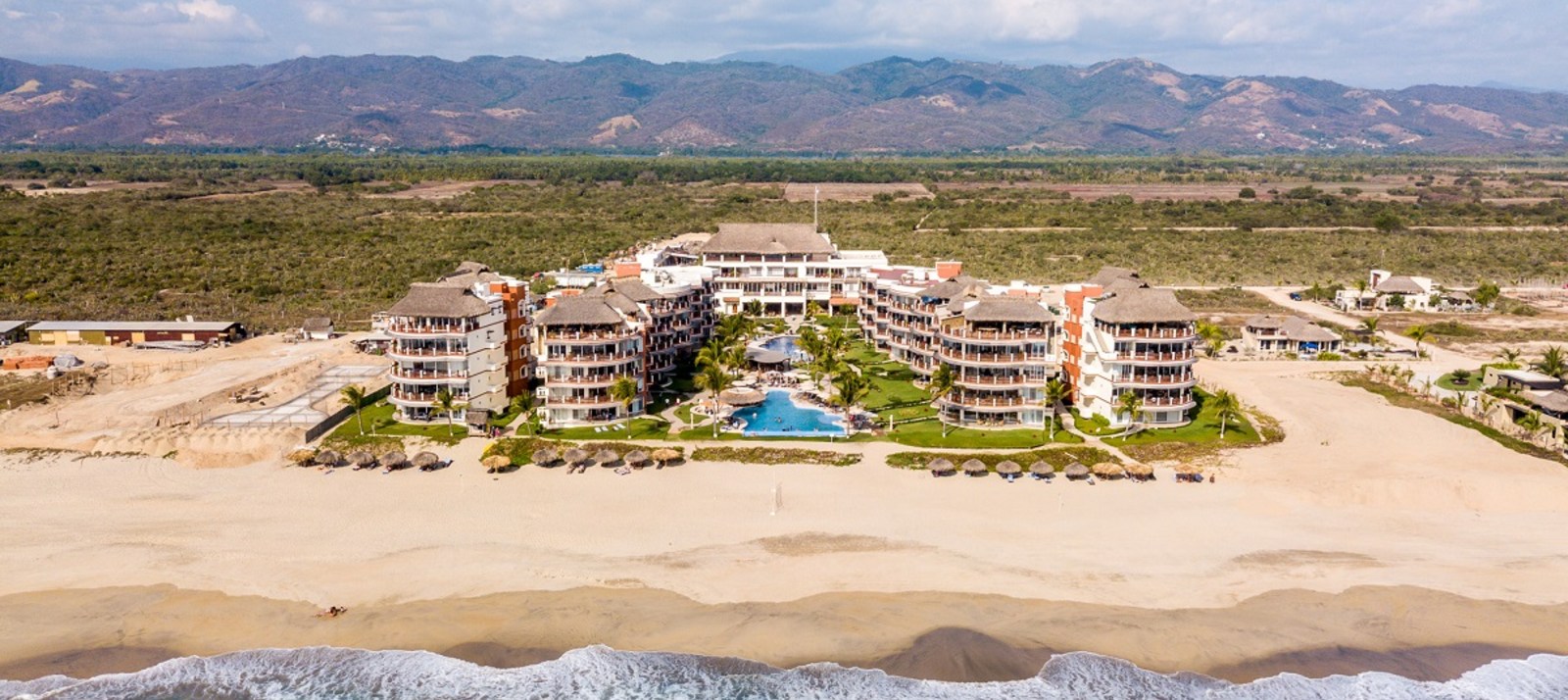
Reconnect with Vivo Resorts’ WiFi and Business Centre
Travelling to Playa Palmarito does not require giving up the ability to work, stream or keep family groups informed. A little preparation makes the difference between relying on a single shared connection and having dependable internet, charging and document support whenever you need them.
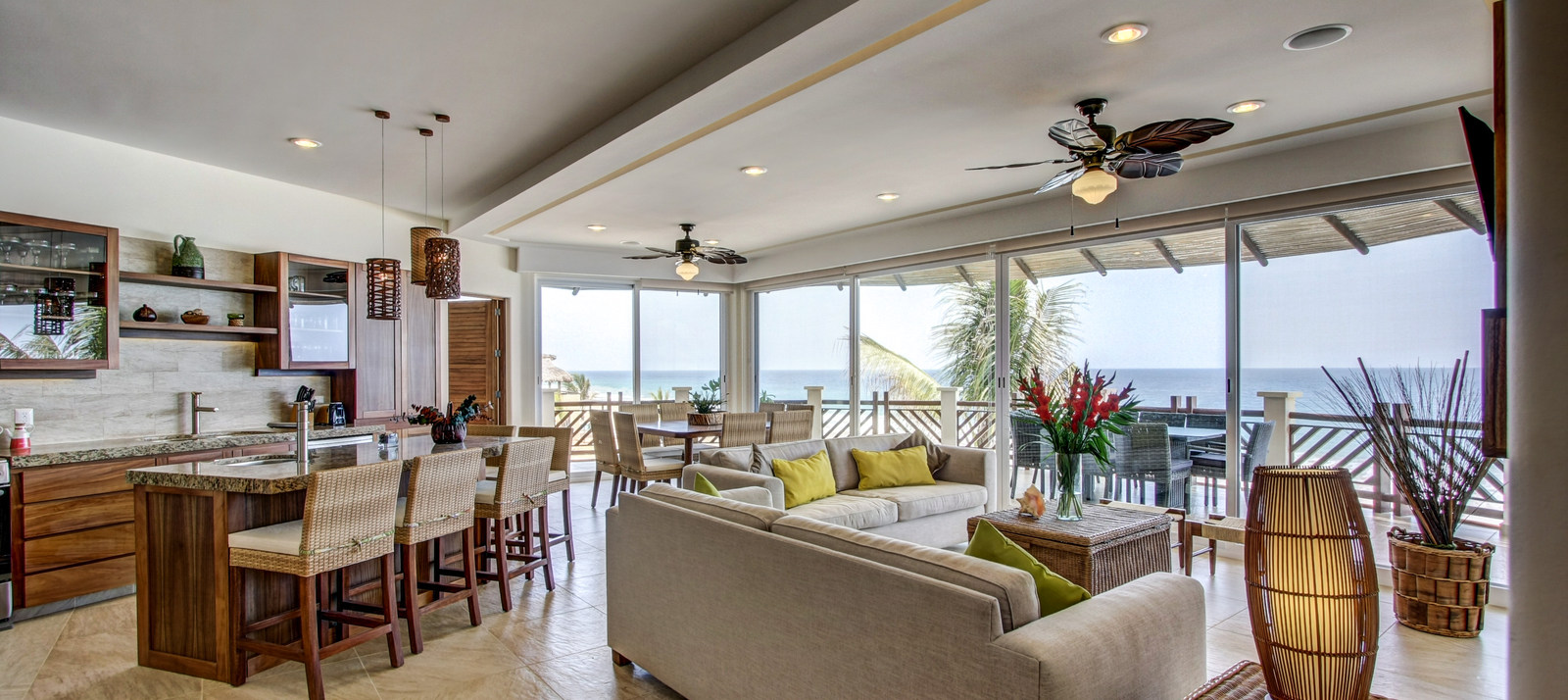
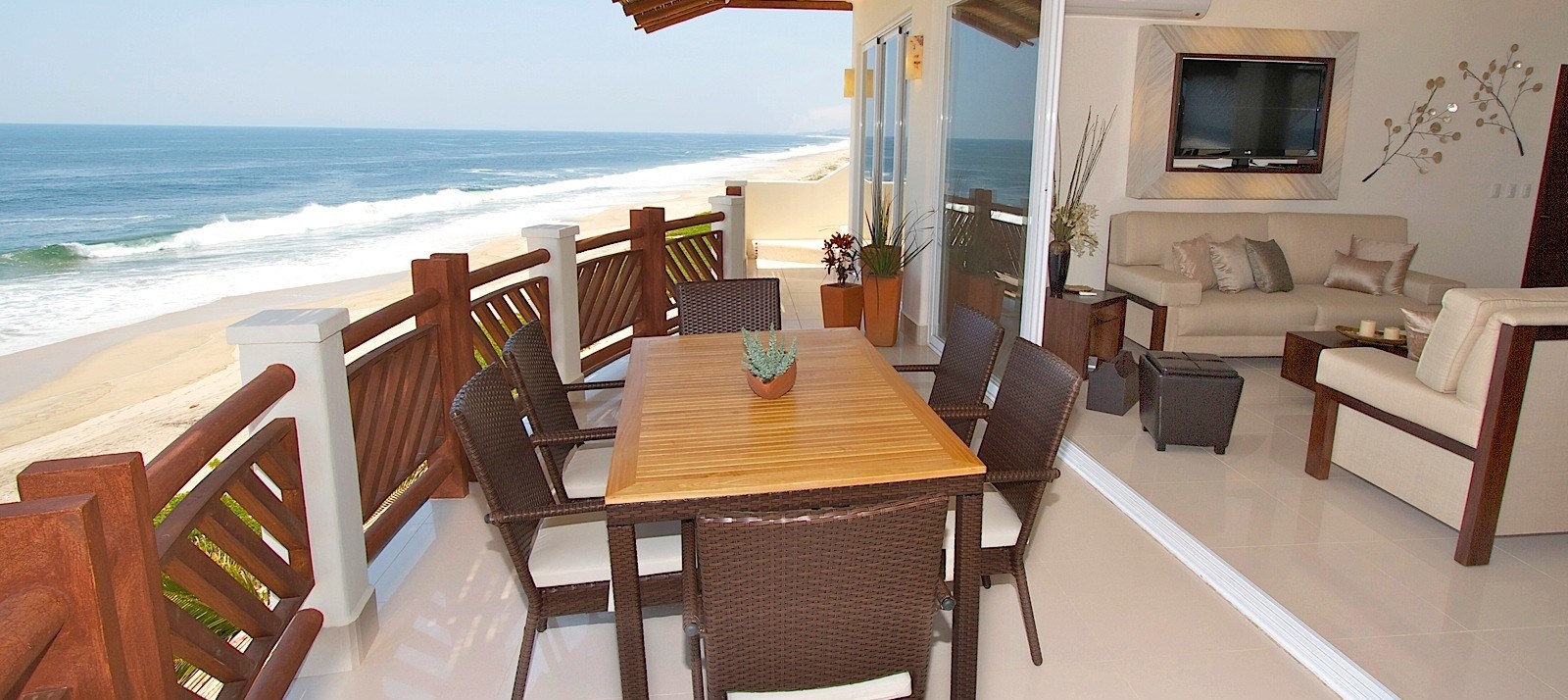
Vivo Resorts’ all-suite layout gives couples, families and wedding parties more space than a conventional hotel, but it also means devices may be spread across several rooms or villas. Plan each phase of the stay so the connection supports relaxation rather than becoming another task to manage.
Plan your connection before leaving Australia
Before leaving Australia, compare the cost and inclusions of your mobile plan. International roaming through Telstra, Optus or Vodafone can be convenient, while an eSIM or Mexican SIM may suit longer stays or heavier data use. Check roaming charges, hotspot limits and network coverage rather than assuming the unlimited data available on an Australian home plan applies abroad.
Pack an Australian Type I plug adapter because Mexico generally uses Type A sockets and 127V electricity. Most modern phones and laptops support a broad voltage range, but the physical adapter is still essential. A multi-port charger and power bank will also help when several family members or wedding guests are using their devices at the same time.
Access the resort WiFi with confidence
After check-in, ask reception or the concierge for the current network name and password, and note where technical support is available. Details may appear in the room information or guest app, but a quick test near the bed, desk and pool helps identify weak spots before you unpack.
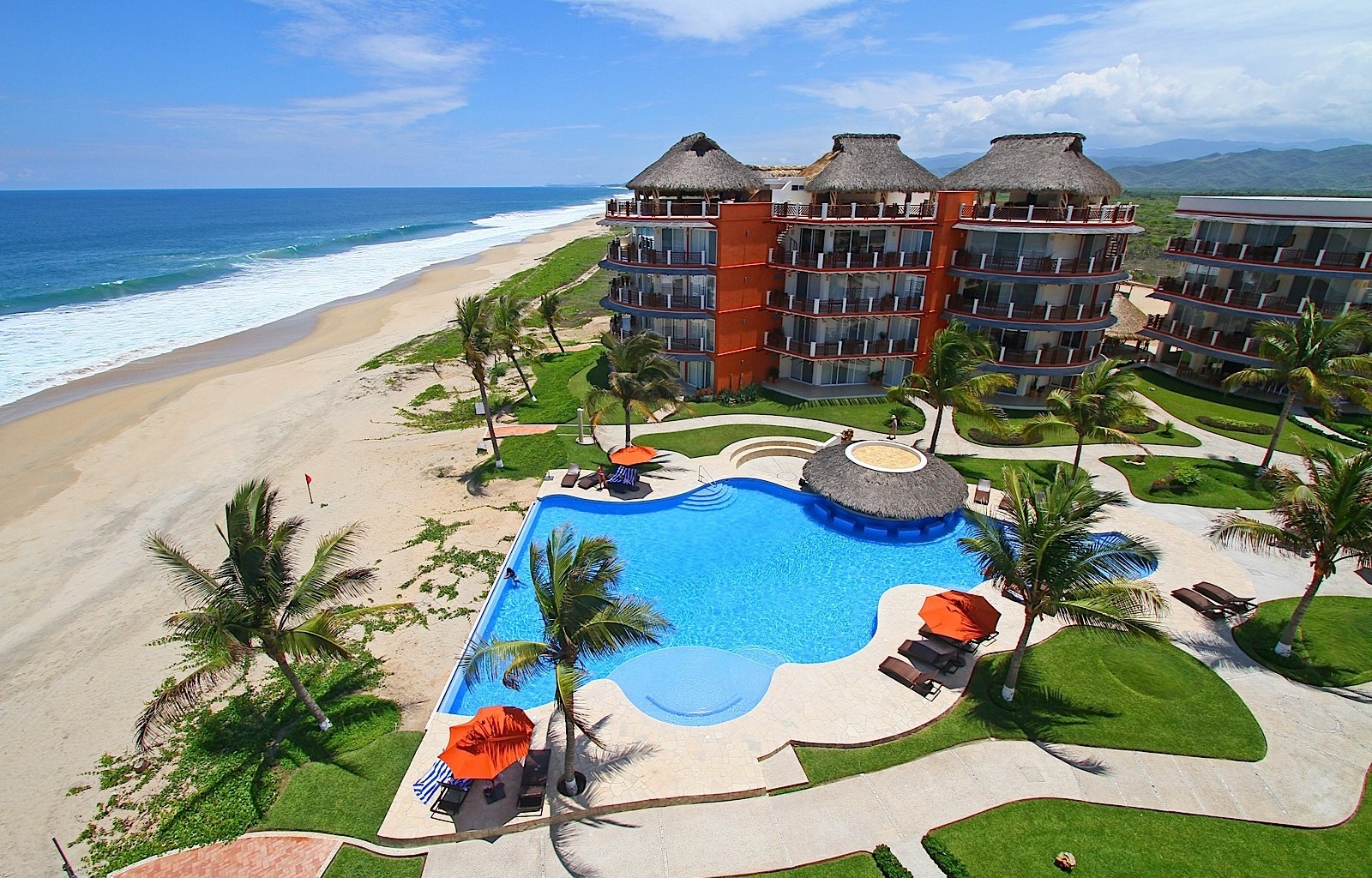
Use HTTPS, a password manager and multi-factor authentication for sensitive accounts. A VPN is helpful on shared hotel WiFi, although it cannot repair a slow connection. For clear video calls, prioritise one device and let others use standard-quality audio. Full details of the residences and facilities are available through Vivo Resorts, which is also useful when coordinating a workspace across suites.
Stay online during coastal excursions
Download maps for Playa Palmarito and Puerto Escondido, plus any tickets, addresses and emergency contacts you may need. Save them to your phone before leaving the resort because mobile coverage can vary between the beachfront, town and other coastal attractions. Offline maps remain useful even when a data connection is available but slow.
Australian families often use shared group chats to organise meetings, meals and transport. Keep one designated person responsible for the shared itinerary, but avoid making every booking depend on the same person’s phone. A second device with local mobile data, or a lightweight backup itinerary stored in the cloud, can prevent a lost signal from disrupting the whole group.
Use the business centre for focused work
Treat the business centre as practical support rather than assuming it replaces your normal office. Guest services can confirm its operating hours, printing and scanning options, meeting-space availability, equipment and any charges. Know whether colour printing, document conversion, presentation support or short-term administrative assistance are available before urgent deadlines arrive.
Save important documents to email, cloud storage and a USB drive before your trip. Bring presentation cables and adaptors that fit Australian devices, and test your microphone, camera and headphones while you still have time to solve problems. The office setting at the resort is most effective when files are already organised, passwords are accessible and the required call times have been calculated.
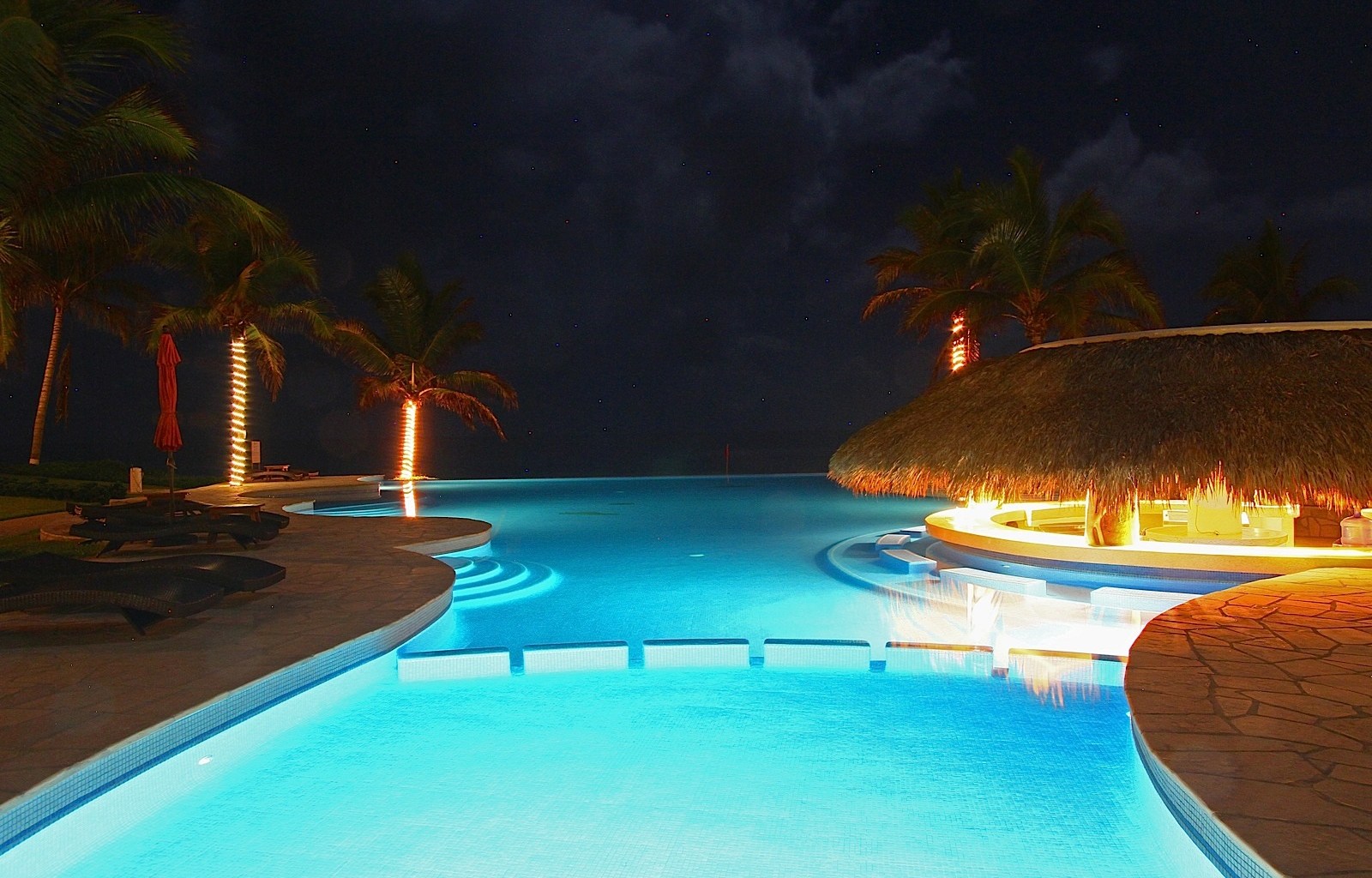
For live work, remember that Mexico is roughly 15–17 hours behind Sydney, Melbourne and Brisbane, depending on daylight saving and local time changes. An Australian morning call usually falls on the resort’s previous afternoon or evening. Schedule Zoom or Teams meetings during that overlap, and use headphones to reduce background noise around the pools and dining areas.
Support families, weddings and shared devices
Set sensible device limits before children begin streaming, and decide which activities can continue without internet during a family excursion. One personal hotspot can support several phones or tablets, but data allowances and battery life may limit video streaming. Downloading films, games and meeting materials in advance reduces pressure on both the resort network and your mobile plan.
Destination weddings need a communication plan for the couple, coordinator, suppliers and travelling guests. The resort’s beach wedding guide outlines useful preparation for a humid beach setting. Keep a final schedule offline, provide contacts through a shared document and use a dedicated device for livestreaming. Protect equipment from sand and spray, and arrange a mobile-data backup in case the guest WiFi becomes congested.
Compare your connectivity options
Your strongest option depends on data volume, privacy, trip length and where you need access. The following overview compares the main choices for an Australian visitor.
| Option | Typical experience | Best suited to | Main limitation |
|---|---|---|---|
| Resort WiFi | Shared access using the guest network name and password | Browsing, email and light work | Congestion during busy periods |
| Australian roaming | Convenient activation through an existing carrier plan | Short trips and staying reachable | Charges and coverage may vary |
| Mexican SIM or eSIM | Data provided by a local network | Longer stays, maps and regular data use | Activation and network availability require checking |
| Personal hotspot | Uses the cellular connection of one phone | Families, urgent calls and backup access | Data limits, battery use and possible extra fees |
| Business-centre support | Printing, scanning and workspace assistance where available | Formal documents and focused work | Hours, availability and charges should be confirmed |
Use resort WiFi as the everyday option and mobile data as a backup for essential communication. For confidential work, avoid shared connections when possible and rely on your VPN, multi-factor authentication and secure file-sharing methods.
Keep your practical connectivity checklist
A few confirmed actions can prevent most connectivity problems during the stay:
- Obtain the WiFi name and password, and ask about support locations and coverage.
- Pack a Type I adapter, multi-port charger, power bank and essential device cables.
- Compare Australian roaming with a Mexican SIM or eSIM before departure.
- Download maps, tickets, translations and copies of vital documents.
- Test video calls, printers and cloud storage before a deadline or event.
- Enable multi-factor authentication and use a VPN for sensitive work.
The most reliable approach is layered rather than dependent on one source. Resort WiFi handles routine online activity, business-centre support assists with focused tasks, and mobile data remains ready for excursions, family coordination and urgent communication.